

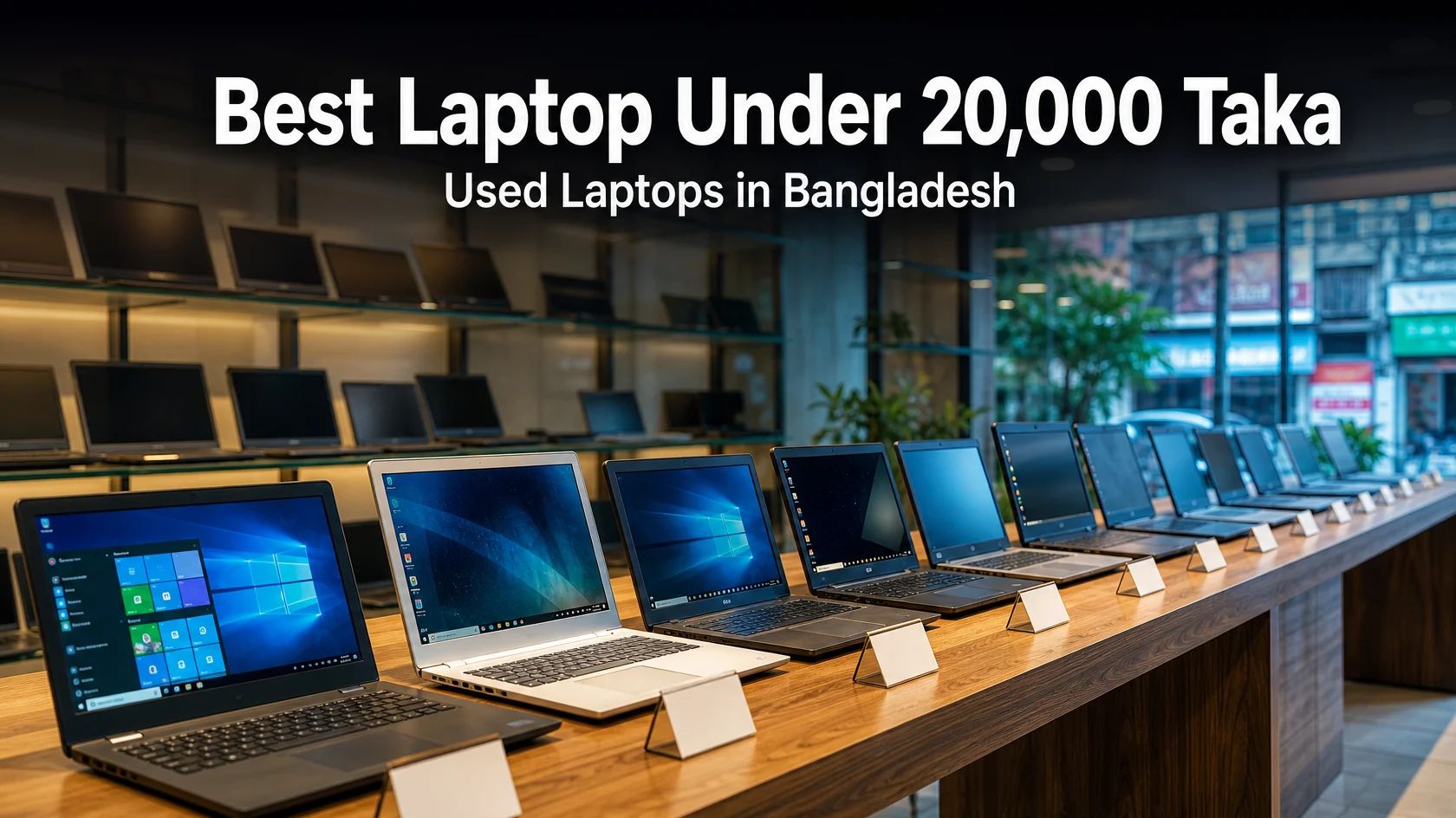
At ৳20,000, you are shopping for a used or refurbished laptop, and the real decision is a newer processor that can run Windows 11 versus an older business laptop that costs less. For most buyers, the safest picks are the two 10th-generation Core i3 models at the top of the budget: the Asus X415JA at ৳19,990 and the Dell Vostro 3501 at ৳19,500. Their processors are new enough to officially run Windows 11, which older Core i5 laptops generally cannot. Whatever you buy, insist on 8GB of RAM and an SSD.
Quick picks at a glance
| Best for | Laptop | Listed specs and price |
|---|---|---|
| Windows 11-ready everyday use | Asus X415JA | Core i3 10th Gen, 8GB DDR4, 256GB SSD · ৳19,990 |
| More storage | Dell Vostro 3501 | Core i3 10th Gen, 8GB, 128GB + 1TB · ৳19,500 |
| Business build, fast SSD | HP EliteBook 840 G3 | Core i5 6th Gen, 8GB DDR4, 256GB NVMe SSD · ৳18,990 |
| Compact business laptop | Dell Latitude 7280 | Core i5 7th Gen, 8GB, 256GB SSD · ৳18,990 |
| Core i5 under ৳15,000 | Dell Latitude E5250 | Core i5 5th Gen, 8GB, 256GB SSD · ৳14,990 |
| 2-in-1 for light tasks | Dell Latitude 3190 2-in-1 | Pentium N5030, 8GB DDR4, 256GB NVMe SSD · ৳16,500 |
| Heavier multitasking | Dell Latitude 5470 | Core i7-6820HQ, 8GB, 256GB SSD · ৳18,900 |
Prices come from each product page on 23 October 2026 and change with stock. Specifications are as listed by Laptop BD, so confirm them on the product page or with the shop before you pay.
What ৳20,000 buys in Bangladesh
New laptops rarely sell at this price. One local marketplace guide puts new-laptop prices at about ৳45,000 and up (BDStall). At ৳20,000, you are buying used or refurbished hardware, mostly business-series and budget models from Dell, HP and Asus, with processors from roughly the 4th to the 10th generation.
That means age is the main thing you are trading for price. Because the processor will be older, the parts that decide how the laptop feels day to day are RAM, storage type and battery condition.
The specs that matter most at this budget
8GB of RAM is the practical minimum
Some listings in this price range have only 3GB, 4GB or 6GB of RAM. That is workable for one or two light tasks, but a browser with several tabs, Microsoft Office and a video call will feel cramped. Choose 8GB wherever you can.
Pick an SSD over a hard drive
An SSD makes Windows start faster and apps open faster than a hard drive does. A laptop with only a 500GB or 1TB hard drive will feel noticeably slower, even if its processor is decent. A combination such as a small SSD plus a large hard drive gives you both speed and space.
Check the processor generation, not just “i3” or “i5”
A higher label does not always mean a faster or longer-lasting laptop, because generation matters. In daily use, the differences between the dual-core chips in this price range are modest compared with the difference between an SSD and a hard drive, or between 4GB and 8GB of RAM.
Generation also decides whether you can officially run Windows 11. Intel states that all Core processors from the 8th generation onward support Windows 11 (Intel), and Microsoft publishes the full list of supported Intel processors (Microsoft). Windows 10 support ended on 14 October 2025, so it no longer receives security updates (Pureinfotech).
In practice, the 10th-generation Core i3 picks in this guide meet the generation requirement, while the 4th- to 7th-generation Core i5 and i7 picks generally do not. An older laptop can still work well for browsing and documents, but it is a weaker choice if you handle client accounts, banking or sensitive files. Eligibility also depends on other requirements such as TPM 2.0, so ask the shop to run Microsoft’s PC Health Check app on the exact laptop before you pay.
Note: Some owners install a supported Linux distribution on older laptops. That can work for browser-based work, but not if you depend on Windows-only software.
Battery and physical condition
A used laptop’s battery wears out with age. Ask how long it lasts unplugged, and budget for a replacement if the backup is short. Laptop BD sells replacement laptop batteries for major brands.
How these picks were chosen
Every laptop here was shown as available (with an “Add to cart” button) at ৳20,000 or less on Laptop BD on 23 October 2026. I looked for 8GB of RAM and an SSD, and I left out Chromebooks and Android-based devices. The comparison is based on the specifications published on each product page. These laptops were not tested hands-on and no benchmarks were run, so treat the notes below as buying guidance, not performance results.
The best laptops under 20,000 taka
Asus X415JA: best all-round pick if you want Windows 11
The Asus X415JA is listed with a 10th-generation Core i3, 8GB of DDR4 RAM and a 256GB SSD for ৳19,990. It covers the three things that matter most at this budget. It sits right at the ceiling, so there is no money left for upgrades. Best for: students, office work and browser-based freelancing.
Dell Vostro 3501: if you need more storage
The Dell Vostro 3501 costs ৳19,500 and also has a 10th-generation Core i3. The listing shows 8GB of RAM with 128GB + 1TB of storage. That usually means a small SSD for Windows plus a large drive for files, so confirm which part is the SSD. Best for: people who keep many documents, photos or videos.
HP EliteBook 840 G3: business build and a fast SSD
The HP EliteBook 840 G3 has a 6th-generation Core i5, 8GB of DDR4 RAM and a 256GB NVMe SSD for ৳18,990. Business-series laptops typically offer sturdier builds and better keyboards than basic consumer models. The trade-off is the processor generation, which is below Windows 11’s official cut-off. Best for: buyers who value the keyboard and build and accept that limit.
Dell Latitude 7280: compact business laptop
The Dell Latitude 7280 has a 7th-generation Core i5, 8GB of RAM and a 256GB SSD for ৳18,990 (listed down from ৳19,500). It is a good fit if you carry your laptop often. The same Windows 11 caveat applies.
Dell Latitude E5250 and HP EliteBook 840 G1: the budget routes
The Dell Latitude E5250 (5th-generation Core i5, 8GB, 256GB SSD) and the HP EliteBook 840 G1 (4th-generation Core i5, 8GB, 256GB SSD) are both ৳14,990. That leaves about ৳5,000 for a battery replacement or other upgrades. They are the oldest options here, so check battery health and ask which operating system is installed.
Dell Latitude 3190 2-in-1: light tasks with a flexible screen
The Dell Latitude 3190 2-in-1 has a Pentium N5030, 8GB of DDR4 RAM and a 256GB NVMe SSD for ৳16,500. A 128GB version is listed at ৳15,500. The Pentium is an entry-level processor, so this suits note-taking, browsing and video calls rather than heavy multitasking.
Dell Latitude 5470: more processing power in the budget
The Dell Latitude 5470 is listed with a Core i7-6820HQ, 8GB of RAM and a 256GB SSD for ৳18,900. This is an H-series quad-core chip, which generally suits heavier multitasking. Expect shorter battery life and a bulkier machine than the thinner models above. It is also an older generation, so the Windows 11 caveat applies.
Laptops to skip at this price
- Hard-drive-only models. Several budget listings have no SSD and will feel slow.
- Models with 3GB to 6GB of RAM. Look for 8GB instead.
- Chromebooks and Android-based touch devices. They appear in the same price range but do not run standard Windows software.
- Listings that do not state RAM or storage. Ask for the exact configuration before you pay.
- Sold-out models. The price-sorted category page still shows them. Look for an “Add to cart” button.
How to check a used laptop before you pay
- Ask for the exact model, processor and RAM, and compare them with the listing.
- Test the battery. Unplug the charger and see how the percentage drops.
- Confirm that Windows is installed and activated, and check the storage size.
- Try the keyboard, touchpad, USB ports, charging port, headphone jack, Wi-Fi, webcam and speakers.
- Inspect the screen for dead pixels, flicker and dim areas.
- Check that the original charger is included.
- Ask for the replacement policy in writing.
Laptop BD’s website states that its laptops are tested and graded and come with a 15-day replacement warranty. A notice on the site also invites buyers to confirm stock by video call and to check the product on receipt before paying. Terms can change, so confirm the current warranty, delivery and payment terms with the team before you order.
Stretching the budget with upgrades
A model with little RAM can be improved with a RAM module, and a hard-drive-only laptop can be given an SSD, but the part must match the laptop. Older models use DDR3 RAM, while newer ones use DDR4. Laptop BD’s listings show both, for example the HP ProBook 4440s with DDR3. Browse laptop RAM and laptop SSDs, and ask the team to confirm compatibility with your model first. For installation help, see the laptop service page.
Frequently asked questions
Can I buy a new laptop for under ৳20,000 in Bangladesh?
Rarely. One local marketplace guide places new-laptop prices at around ৳45,000 and up (BDStall). At ৳20,000, most buyers get a used or refurbished laptop.
Is 4GB of RAM enough?
It can handle light, single-task use, but 8GB is more comfortable for browser tabs, Office and video calls. Several laptops at this price already come with 8GB.
Will a laptop under ৳20,000 run Windows 11?
Only if its processor and other hardware meet Microsoft’s requirements. The 10th-generation Core i3 picks meet the processor-generation requirement, while the older Core i5 and i7 picks generally do not. Ask the shop to run PC Health Check on the exact laptop.
Does Laptop BD offer a warranty or replacement?
Its website states a 15-day replacement warranty on laptops. Policies can change, so confirm the terms for your model before ordering.
Next step
Browse the full used laptop collection at Laptop BD, filter by brand (Dell or HP), or message the team on WhatsApp with your budget and how you plan to use the laptop. The shop is at Shop-352, Level-3, Multiplan Center, 69–71 New Elephant Road, Dhaka. You can also contact the team.