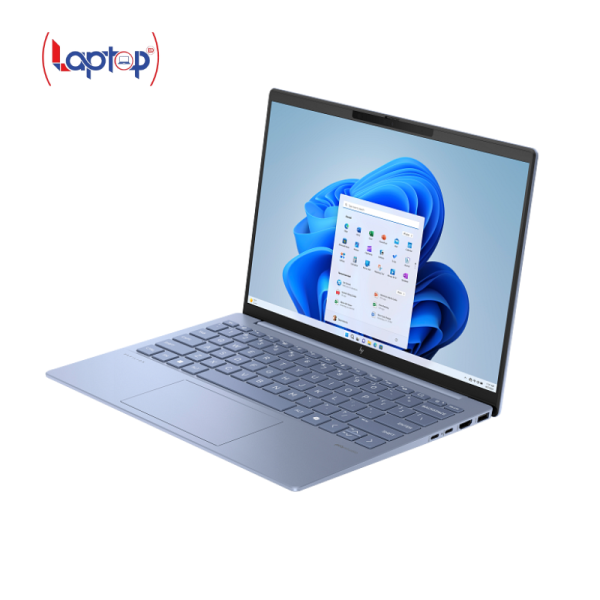
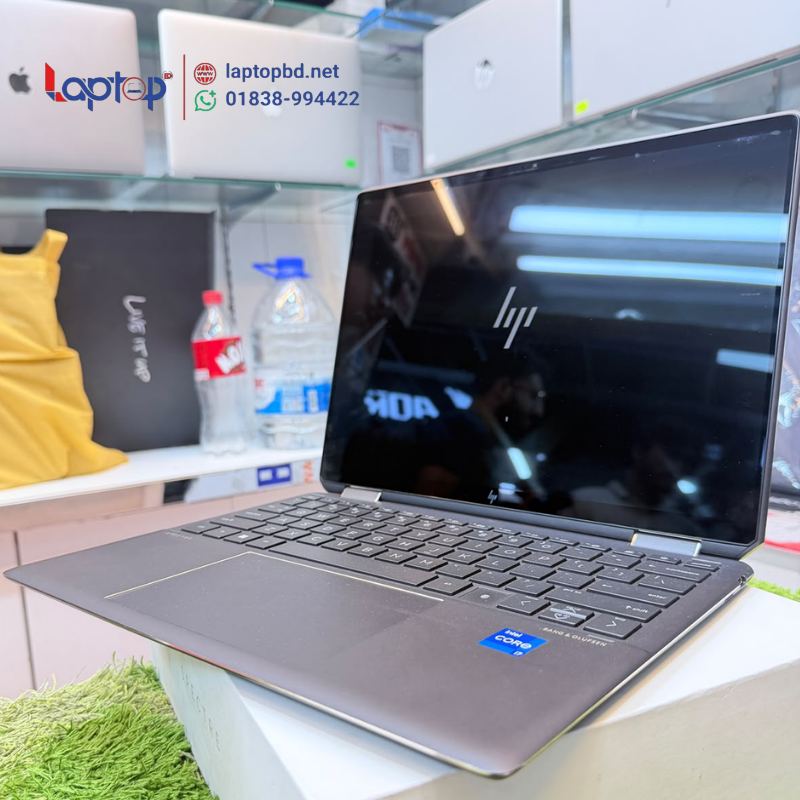
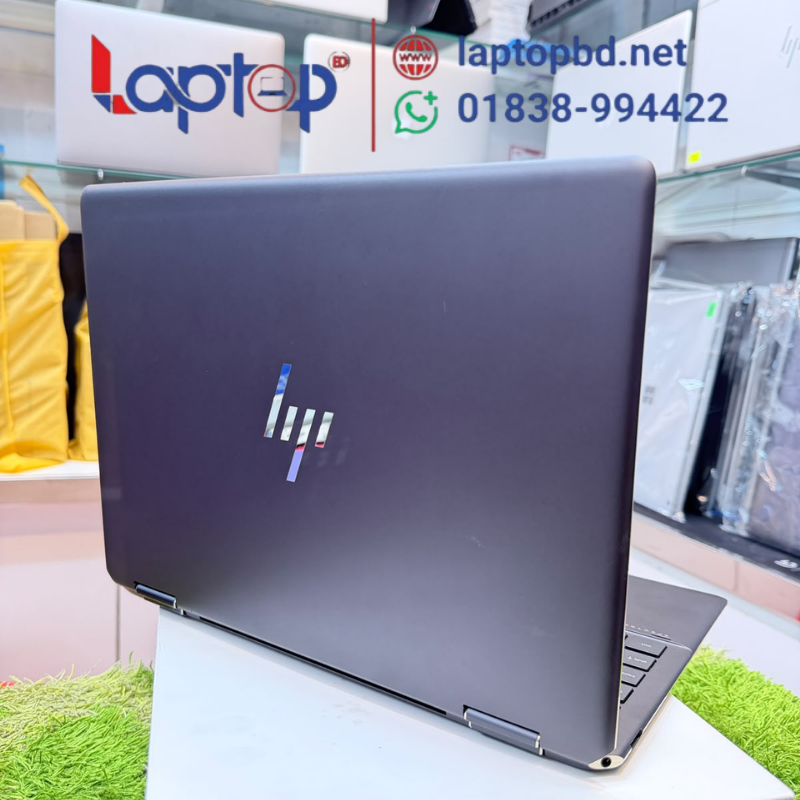
HP Spectre x360 14-ef0xxx 2-in-1 Laptop | Core i7-1255U | 32GB RAM
95,500৳
| Series | Spectre x360 14-ef0xxx |
| Laptop Type | Convertible 2-in-1 laptop |
| Processor | Intel Core i7-1255U |
| Processor Generation | 12th Generation |
আমাদের যে কোন পণ্য অর্ডার করতে কল বা WhatsApp করুন: 01838994422
Description
The HP Spectre x360 14-ef0xxx combines a 12th Gen Intel Core i7-1255U processor, 32GB RAM and a 13.5-inch touchscreen in a convertible Windows laptop. Its 360-degree hinge and pen input support give you flexible ways to type, read and annotate documents. This configuration is suited to office tasks, online study, content management and everyday multitasking.
| Specification | Details |
|---|---|
| Brand | HP |
| Series | Spectre x360 14-ef0xxx |
| Laptop Type | Convertible 2-in-1 laptop |
| Processor | Intel Core i7-1255U |
| Processor Generation | 12th Generation |
| Processor Cores | 10 cores |
| Processor Threads | 12 threads |
| Maximum Turbo Frequency | Up to 4.70GHz |
| Processor Cache | 12MB Intel Smart Cache |
| Installed RAM | 32GB |
| RAM Type | LPDDR4x-4266 |
| RAM Configuration | Onboard memory |
| RAM Upgrade | No removable RAM upgrade slot |
| Display Size | 13.5 inches |
| Display Aspect Ratio | 3:2 |
| Touchscreen | Supported |
| Touch Points | 10-point touch |
| Pen Input | Supported |
| Hinge | 360-degree convertible |
| Graphics | Integrated Intel Iris Xe |
| USB-C Ports | 2 × Thunderbolt 4 |
| USB-A Port | 1 × USB-A |
| Audio Port | Headphone/microphone combo jack |
| Webcam | HP True Vision 5MP camera with privacy shutter |
| Speakers | Four speakers |
| Audio System | Bang & Olufsen |
| Wi-Fi | Wi-Fi 6E |
| Bluetooth | Bluetooth 5.2 |
| Installed Operating System | Windows 11 Home Single Language |
| System Architecture | 64-bit |
HP Spectre x360 Core i7 12th Gen 32GB RAM Laptop
The HP Spectre x360 14-ef0xxx brings together a Core i7-1255U processor, 32GB RAM and a convertible touchscreen design. It suits buyers who want a compact Windows laptop for documents, web applications, online meetings and study.
For everyday work, that can mean keeping a spreadsheet open beside research tabs, reviewing a presentation or managing website content. The combination of memory capacity and flexible screen positions makes this configuration useful for moving between those tasks.
12th Gen Intel Core i7 Performance
The Intel Core i7-1255U features 10 cores and 12 threads, with a maximum Turbo frequency of up to 4.70GHz. Its combination of performance and efficiency cores handles different parts of a workload as demand changes.
This configuration is suited to everyday productivity, including office applications, online research, communication tools and website management. Performance in heavier applications depends on the software, project size and operating conditions.
32GB RAM for Multitasking
With 32GB RAM, you have room to keep several applications and reference materials open together. Digital marketers can use it for browser-based SEO tools, client reports and content publishing. Students and office users can work with documents, presentations and communication applications.
The LPDDR4x memory is onboard. The existing 32GB capacity should be part of your buying decision because it cannot be expanded through a standard removable RAM slot.
13.5-Inch Touchscreen with a 3:2 Aspect Ratio
The 13.5-inch touchscreen provides direct interaction with compatible Windows applications. Its 3:2 aspect ratio gives documents and web pages a taller viewing area than a widescreen display of the same width.
Ten-point touch support lets you navigate applications directly on the screen. Compatible pen input can also be used for annotations, handwritten notes and sketches.
Flexible 360-Degree Convertible Design
The Spectre x360’s hinge allows you to move between laptop, tent, stand and tablet positions. Use the laptop position for typing, stand or tent positions for viewing content, and tablet mode for touch interaction.
This flexibility is useful when moving between desk work, presentations, reading and note-taking.
Connections for Your Workspace
Two Thunderbolt 4 USB-C ports support compatible docks, displays and peripherals. A USB-A port provides a connection for accessories such as a mouse, keyboard or external drive.
The laptop also includes a headphone/microphone combo jack. Integrated Intel Iris Xe graphics supports everyday visual work and media playback.
Choosing It for Your Workload
This HP Spectre x360 is a practical fit for office work, online learning, browser-based tools and content management. Basic image editing and light creative tasks are also reasonable uses, with results depending on the application and project size.
For demanding games, extensive video effects or complex 3D work, compare your software requirements with the laptop’s integrated graphics. Windows 11 Home Single Language is installed for compatible Windows applications.
Which processor does this HP Spectre x360 have?
This configuration has the 12th Gen Intel Core i7-1255U processor, with 10 cores, 12 threads and a maximum Turbo frequency of up to 4.70GHz.
How much RAM is installed, and can it be upgraded?
The laptop has 32GB LPDDR4x onboard RAM. The memory cannot be expanded through a standard removable RAM slot.
Does this laptop support a touchscreen and pen input?
Yes. It supports 10-point touch and compatible pen input. Check whether a pen is included with Laptop BD before ordering.
Is the display 14 inches or 13.5 inches?
Although the model identifier begins with 14-ef, this Spectre series uses a 13.5-inch display.
Can the laptop be used in tablet mode?
Yes. The 360-degree hinge allows the laptop to be used in laptop, tent, stand and tablet positions.
Is this laptop suitable for SEO, freelancing and office work?
It is suited to browser-based SEO tools, website management, documents, spreadsheets and online meetings. Freelancing workloads vary, so buyers using demanding creative or technical applications should check their software requirements.
Does it have a dedicated graphics card?
This configuration uses integrated Intel Iris Xe graphics. Buyers who need a dedicated GPU should check the requirements of their games or creative software before choosing.
Which Windows edition is installed?
Windows 11 Home Single Language is installed.